
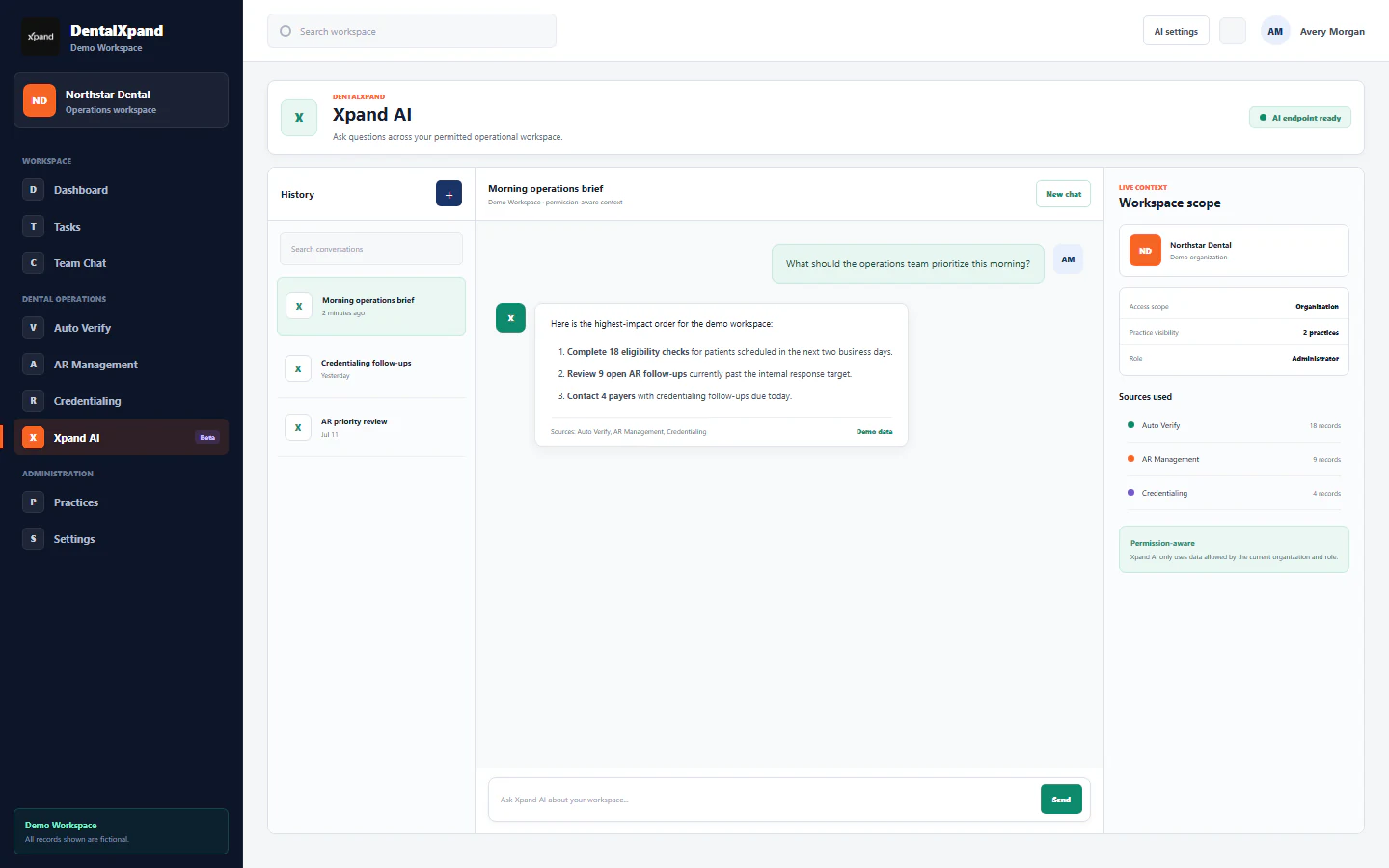
Use Xpand AI images, documents, and extraction
Attach supported images or documents, review extracted text, and keep sensitive information inside approved workflows.
This learning slot is reserved in the complete DentalXpand curriculum. It will become a detailed, screenshot-led lesson and a matching branded PDF.
What this guide will teach
Attach supported images or documents, review extracted text, and keep sensitive information inside approved workflows.
- Image attachment
- Document attachment
- Text extraction
- Sensitive-data review
Application screen: /xpand-ai
How this lesson will be produced
- Open the real DentalXpand screen with clean demonstration data.
- Capture desktop and mobile screenshots for every important state.
- Write the workflow from purpose and permissions through completion and verification.
- Add cautions, role boundaries, expected results, and troubleshooting.
- Publish the website lesson and generate the matching branded PDF with internal navigation and live links.
Final deliverables
- Detailed website learning page
- Annotated product screenshots
- Role and permission guidance
- Step-by-step workflow and verification checklist
- Downloadable branded PDF with clickable links and internal navigation
Need workflow support?